
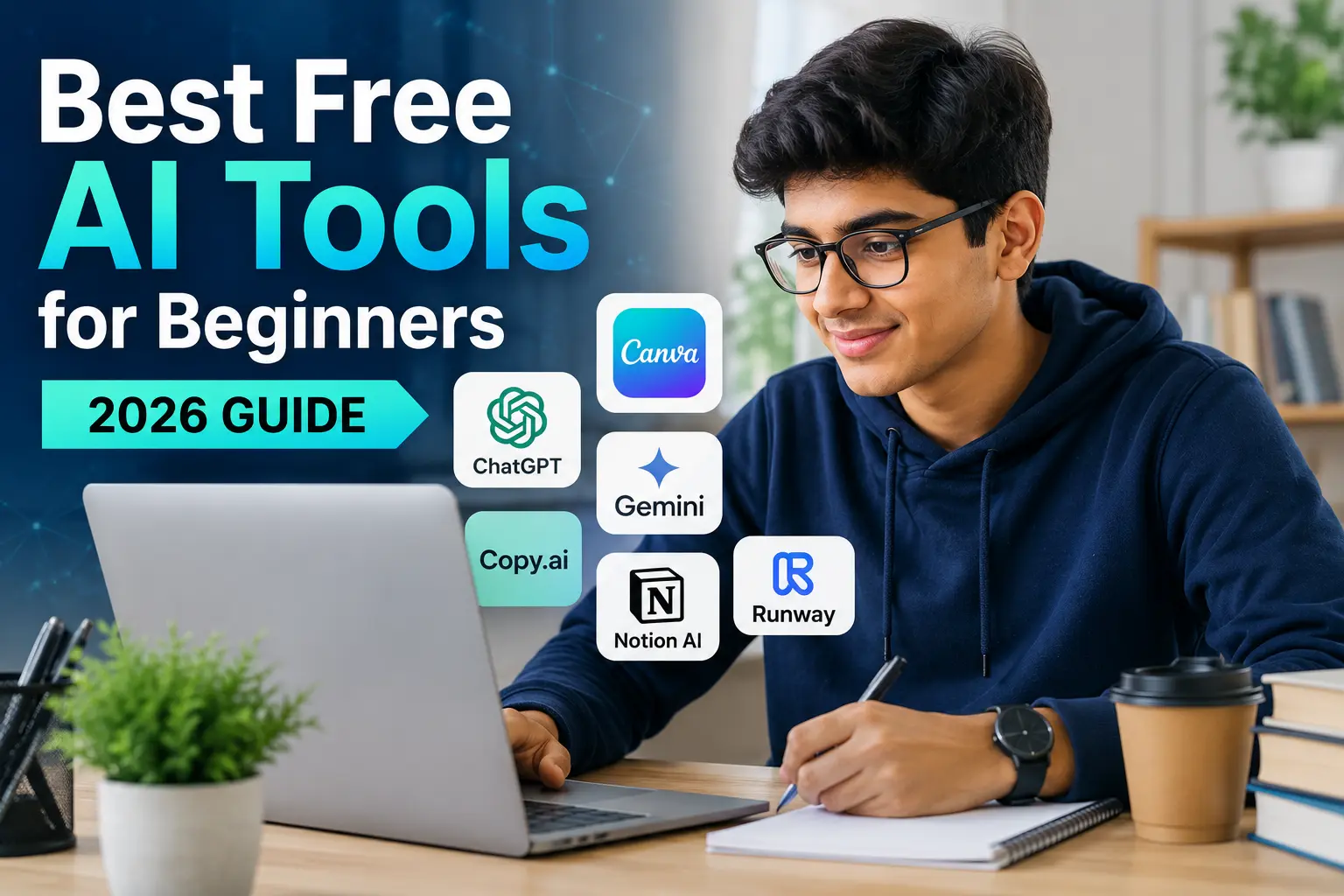
Artificial Intelligence (AI) is no longer a technology reserved for developers and large corporations. Today, anyone can use AI to write content, edit images, create videos, design presentations, summarize documents, and even learn new skills, all without spending a penny. If you’re just getting started with AI, the huge number of available tools can feel overwhelming. The good news is that many powerful AI platforms offer generous free plans, making it easy to explore AI without any technical knowledge.
In this guide, you’ll discover the best free AI tools for beginners in 2026, what they do, why they’re worth using, and how they can help you become more productive.
Why Beginners Should Use AI Tools?
AI tools save time, improve creativity, and simplify complex tasks. Whether you’re a student, freelancer, blogger, business owner, or simply curious about technology, AI can help you:
- Write faster
- Generate ideas instantly
- Design graphics without experience
- Edit videos automatically
- Improve productivity
- Learn new concepts
- Automate repetitive tasks
The best part? Many of these tools require no coding or technical expertise.
1. ChatGPT
Best for: Writing, brainstorming, learning, coding, and everyday productivity.
ChatGPT is one of the most popular AI assistants available today. It helps users generate articles, emails, social media posts, business ideas, coding solutions, summaries, and much more.
Features
- Content writing
- Question answering
- Language translation
- Coding assistance
- Study help
- Email drafting
- Brainstorming ideas
Why Beginners Love It?
Its simple chat interface makes AI feel natural. You simply type your question, and the AI responds in seconds.
2. Google Gemini
Best for: Research, writing assistance, and Google ecosystem integration.
Google Gemini is an excellent free AI assistant that connects well with Google services like Docs, Gmail, and Search.
Features
- Writing assistance
- Email drafting
- Research support
- Coding help
- Image understanding
- Real-time information
Perfect For
Students, professionals, and anyone already using Google’s ecosystem.
3. Microsoft Copilot
Best for: Office work and productivity.
Microsoft Copilot integrates with Windows and Microsoft Office to help users work smarter.
Features
- Document creation
- Excel assistance
- PowerPoint generation
- Writing support
- Research help
- Coding assistance
Beginners who frequently use Microsoft Office can significantly improve productivity with Copilot.
4. Canva AI
Best for: Graphic design and social media content.
Canva has transformed design by introducing beginner-friendly AI features.
Features
- AI image generation
- Magic Design
- Presentation creation
- Background removal
- Logo creation
- Social media templates
Even users with zero design experience can create professional-looking graphics in minutes.
5. Grammarly
Best for: Improving grammar and writing quality.
Grammarly is much more than a grammar checker. Its AI writing assistant improves clarity, tone, readability, and sentence structure.
Features
- Grammar correction
- Spelling checks
- Tone suggestions
- Writing improvements
- Vocabulary enhancement
Students, bloggers, and professionals benefit greatly from Grammarly’s free version.
6. Notion AI
Best for: Productivity and note-taking.
Notion AI helps users organize ideas, summarize notes, and create documents quickly.
Features
- AI summaries
- Task organization
- Meeting notes
- Content generation
- Brainstorming
If you manage projects or take lots of notes, Notion AI can save hours every week.
7. Leonardo AI
Best for: AI image generation.
Leonardo AI enables beginners to create stunning digital artwork without artistic skills.
Features
- AI-generated images
- Game assets
- Concept art
- Product illustrations
- Character designs
Its free plan provides enough daily credits for regular experimentation.
8. CapCut AI
Best for: Video editing.
Video creators can edit professional-looking videos using CapCut’s AI-powered editing features.
Features
- Auto captions
- AI effects
- Background removal
- Voice enhancement
- Automatic editing
Perfect for YouTube Shorts, Instagram Reels, and TikTok videos.
9. Perplexity AI
Best for: Research and fact-based answers.
Perplexity combines AI with live web information, making it an excellent research companion.
Features
- Real-time answers
- Source citations
- Research summaries
- Learning assistance
- Quick explanations
Students appreciate its reliable references.
10. DeepL Translator
Best for: Language translation.
DeepL is widely regarded as one of the most accurate AI translation tools available.
Features
- High-quality translations
- Natural wording
- Multiple language support
- Document translation
Ideal for writers, travelers, students, and businesses.
How to Choose the Right AI Tool?
Not every AI tool serves the same purpose. Here’s a simple guide:
| Goal | Recommended Tool |
|---|---|
| Writing | ChatGPT, Grammarly |
| Research | Gemini, Perplexity |
| Graphic Design | Canva AI |
| Image Creation | Leonardo AI |
| Video Editing | CapCut AI |
| Productivity | Notion AI |
| Office Work | Microsoft Copilot |
| Translation | DeepL |
Tips for Beginners Using AI
To get the best results:
- Be specific with your prompts.
- Ask follow-up questions if needed.
- Verify important facts from trusted sources.
- Experiment with different tools to find your favourites.
- Use AI to assist your work, not replace your own thinking.
The more clearly you communicate with an AI tool, the better its responses will be.
Advantages of Free AI Tools
Using free AI tools offers several benefits:
- No financial investment required
- Easy to learn
- Time-saving
- Increased productivity
- Better creativity
- Suitable for students and professionals
- Accessible from almost anywhere
- Continuous updates and improvements
These free plans are often sufficient for personal learning and everyday tasks.
Limitations of Free AI Tools
Although free versions are powerful, they do have some restrictions:
- Daily usage limits
- Limited advanced features
- Slower response times during peak hours
- Watermarks on some generated content
- Limited image-generation credits
- Smaller storage allowances
If your needs grow, many platforms offer affordable premium plans.
The Future of AI for Beginners
Artificial Intelligence is evolving rapidly. Future AI tools are expected to become even more intuitive, multimodal, and personalised. Beginners will increasingly be able to create professional-quality content, automate repetitive work, and learn complex skills with minimal effort. Learning to use AI today can provide a valuable advantage in education, business, and everyday life.
Final Thoughts
Artificial Intelligence is becoming an essential part of modern work and learning. Fortunately, you don’t need expensive software or technical expertise to get started. Free AI tools like ChatGPT, Google Gemini, Canva AI, Grammarly, Microsoft Copilot, Leonardo AI, CapCut AI, Notion AI, Perplexity AI, and DeepL provide powerful capabilities that can help beginners write better, design faster, research smarter, and work more efficiently.
The best approach is to experiment with a few tools based on your goals. As you gain experience, you’ll discover which AI assistants fit your workflow and help you achieve more in less time. Whether you’re a student, creator, entrepreneur, or lifelong learner, now is an excellent time to begin exploring the world of AI.
FAQs
ChatGPT is widely considered one of the best choices because it is easy to use and can assist with writing, learning, coding, brainstorming, and everyday questions.
Yes. Most modern AI tools are designed for non-technical users. You simply type your request in plain language.
Generally, yes—provided you use reputable platforms and avoid sharing sensitive personal or confidential information.
Leonardo AI and Canva AI are both excellent options for beginners who want to generate images or create graphic designs.
Yes. Free plans often include usage caps, limited premium features, or restrictions on image generation and storage, but they are usually sufficient for learning and casual use.




Leave a Reply